BUSINESS WEBSITE GUIDE
Rebuild or Repair an Existing Business Website
Decide between repairing and rebuilding a website by comparing the actual failures, platform constraints, useful content and project risk.
By Lookman, StartMyWeb · Updated October 15, 2026
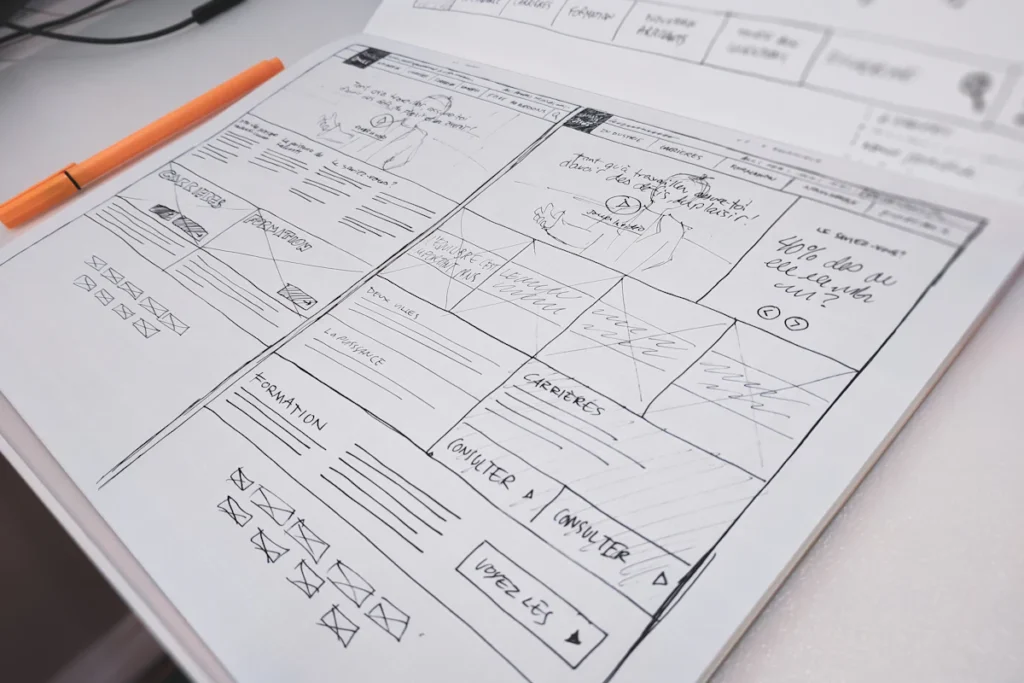
A website problem does not always require a new website. A broken form, slow image or confusing service page may be repairable within the current platform. A rebuild becomes more reasonable when the structure, dependencies or business requirements make isolated fixes difficult to sustain.
Describe the failure in observable terms
Replace “the website is bad” with specific examples: customers cannot submit a form, mobile navigation overlaps content, or the main service is hard to find. Record the page, device, steps and desired result. Distinguish functional defects from visual preferences.
Test the contact route before judging the design alone. A site can look dated and still generate qualified inquiries, while a polished site can send every form message to Spam. Each problem needs its own evidence and acceptance check.
Identify what is still useful
Review existing service explanations, search landing pages, articles and integrations. Preserve useful URLs and content wherever possible. A rebuild should not discard proven material simply because it uses an older layout.
Ask the owner what they can currently edit and what creates recurring difficulties. A repair that requires specialist intervention for every small change may not solve an ongoing operational problem.
Compare the options against the same goals
For a repair, list the targeted changes, remaining limitations and how long the approach is expected to remain practical. For a rebuild, list content transfer, feature recreation, account dependencies and launch work. Compare complete scopes rather than an isolated repair price against a design-only rebuild price.
A staged approach can be useful: restore a broken inquiry path now, then plan a broader redesign with the business owner. The immediate fix should not silently commit the company to a platform change.
Review platform and maintenance constraints
Unsupported software, deeply conflicting extensions or a proprietary feature that no longer fits the business may justify a larger change. Confirm the constraint instead of assuming the whole system is obsolete. Keep license costs and provider responsibilities visible.
For stores, membership sites or frequently updated content, consider the risk of moving live data. A rebuild needs a plan for changes that occur while the replacement is being developed.
Choose a decision you can verify
Set concrete acceptance criteria: the mobile menu opens, the service is understandable, the form reaches the recipient and the required pages remain available. Agree the backup and recovery arrangements for either option.
Discuss your existing website with StartMyWeb. Share the main problem and the parts you want to keep so a targeted repair and a rebuild can be evaluated against the same business need.