
BUSINESS WEBSITE GUIDE
Website Migration Checklist for Small Businesses
Plan a business website move with checks for backups, URLs, email, forms, integrations and cutover. Know what to verify before canceling the old host.
Read the guide ↗STARTMYWEB / INSIGHTS
Explore migration, WordPress, local SEO and ongoing care. Each guide links to the relevant service and a clear next step.
BUSINESS WEBSITE GUIDE
Plan a business website move with checks for backups, URLs, email, forms, integrations and cutover. Know what to verify before canceling the old host.
Read the guide ↗
BUSINESS WEBSITE GUIDE
Build a website migration plan with scope, responsibilities, acceptance checks, a cutover decision and a rollback route before changing the live site.
Read the guide ↗
BUSINESS WEBSITE GUIDE
Compare migration quotes by the work included: hosting transfer, platform rebuild, URL changes, email, store data, testing and post-launch support.
Read the guide ↗
BUSINESS WEBSITE GUIDE
Plan a website migration redirect map: inventory useful URLs, choose relevant destinations, test the rules and review the live move.
Read the guide ↗
BUSINESS WEBSITE GUIDE
Investigate a post-migration traffic drop by checking measurement, availability, indexing signals, changed pages and inquiry behavior.
Read the guide ↗
BUSINESS WEBSITE GUIDE
Preserve useful content and metadata during a rebuild with a page inventory, field mapping, staging comparison and production checks.
Read the guide ↗
BUSINESS WEBSITE GUIDE
Plan a WordPress host move with account ownership, recoverable backups, destination testing, DNS/email checks and a controlled cutover.
Read the guide ↗
BUSINESS WEBSITE GUIDE
Protect business email during a website-hosting move by mapping providers, preserving DNS records and testing sending and receiving separately.
Read the guide ↗
BUSINESS WEBSITE GUIDE
Compare shared and managed WordPress hosting by responsibilities, resource limits, backups, staging, support and renewal costs.
Read the guide ↗
BUSINESS WEBSITE GUIDE
Plan a small business WordPress site around clear services, trust, useful content, an editable structure and a tested inquiry route.
Read the guide ↗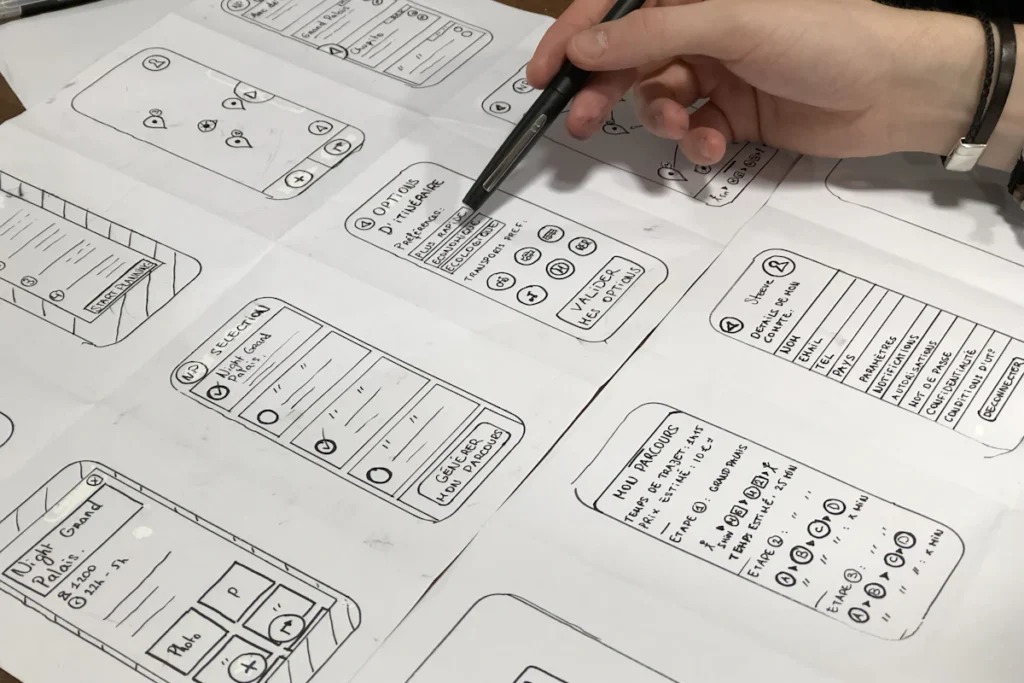
BUSINESS WEBSITE GUIDE
Compare Elementor and the WordPress block editor using editing tasks, design needs, dependencies, performance and handover requirements.
Read the guide ↗
BUSINESS WEBSITE GUIDE
Ask a WordPress developer about scope, ownership, content, testing, maintenance and launch responsibilities before comparing proposals.
Read the guide ↗
BUSINESS WEBSITE GUIDE
Understand WordPress redesign costs through page types, content, functionality, migration risk, testing and ongoing responsibilities.
Read the guide ↗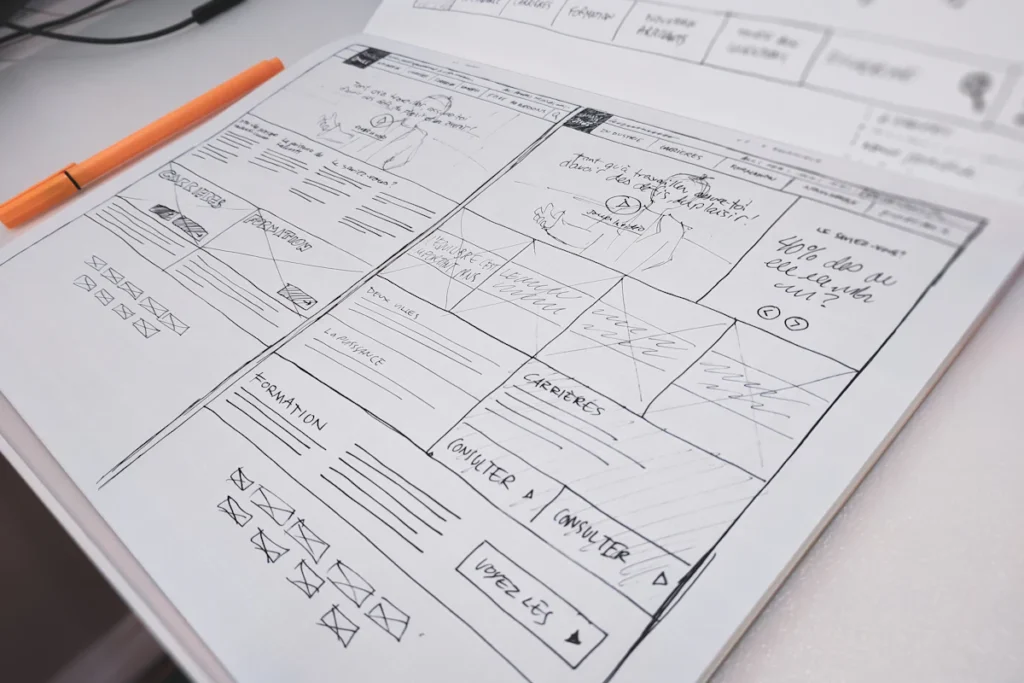
BUSINESS WEBSITE GUIDE
Decide between repairing and rebuilding a website by comparing the actual failures, platform constraints, useful content and project risk.
Read the guide ↗
BUSINESS WEBSITE GUIDE
Review a website redesign through useful URL retention, real mobile layouts, accurate metadata, form delivery and production checks.
Read the guide ↗
BUSINESS WEBSITE GUIDE
Define WordPress maintenance through tasks, frequency, backups, key-journey checks, ownership and explicit support boundaries.
Read the guide ↗
BUSINESS WEBSITE GUIDE
Understand how WordPress updates and backups fit a recovery plan, including restore testing and protection for newer orders or inquiries.
Read the guide ↗
BUSINESS WEBSITE GUIDE
Choose a one-time WordPress repair or recurring support by considering the failure, update workload, backups and ownership of ongoing checks.
Read the guide ↗
BUSINESS WEBSITE GUIDE
Plan local SEO for a cleaning business around real services, genuine coverage, useful proof and quote requests that reach the right team.
Read the guide ↗
BUSINESS WEBSITE GUIDE
Coordinate Google Business Profile and website SEO using eligibility, accurate services, useful pages and separate measurement of calls and inquiries.
Read the guide ↗
BUSINESS WEBSITE GUIDE
Measure local SEO from search visibility through valid inquiries, qualification, proposals and paid projects without mixing clicks with leads.
Read the guide ↗
BUSINESS WEBSITE GUIDE
Diagnose slow WordPress pages by separating server, media, font, script and dynamic-journey issues before choosing an optimization.
Read the guide ↗
BUSINESS WEBSITE GUIDE
Review WordPress images, fonts and plugins by their actual page cost, then optimize without breaking design, editing or customer journeys.
Read the guide ↗
BUSINESS WEBSITE GUIDE
Test mobile WordPress performance together with navigation, readable service content, accessible inputs and actual quote-form delivery.
Read the guide ↗
BUSINESS WEBSITE GUIDE
Investigate WooCommerce checkout failures with reproducible steps, safe conflict testing, gateway checks and protection for active orders.
Read the guide ↗
BUSINESS WEBSITE GUIDE
Plan WooCommerce maintenance around updates, active orders, backups, checkout tests, integrations and clearly assigned support responsibilities.
Read the guide ↗
BUSINESS WEBSITE GUIDE
Plan a WooCommerce move around products, active orders, payment configuration, data reconciliation and an approved live test.
Read the guide ↗
BUSINESS WEBSITE GUIDE
Separate content transfer from layout and feature rebuilding when planning a Wix-to-WordPress migration for a business website.
Read the guide ↗
BUSINESS WEBSITE GUIDE
Scope Wix-to-WordPress costs through templates, content, app replacements, data work, testing and recurring website responsibilities.
Read the guide ↗
BUSINESS WEBSITE GUIDE
Review a Wix-to-WordPress rebuild using a checklist for URLs, content, media, forms, business features and approved launch decisions.
Read the guide ↗
BUSINESS WEBSITE GUIDE
Plan a Squarespace-to-WordPress move by reviewing export options, content exceptions, layouts, business features and launch responsibilities.
Read the guide ↗
BUSINESS WEBSITE GUIDE
Compare Squarespace and WordPress using actual editing needs, business functions, ongoing ownership and the cost of changing platforms.
Read the guide ↗
BUSINESS WEBSITE GUIDE
Check Squarespace-to-WordPress content, images, URLs, metadata and discovery paths before and after an approved launch.
Read the guide ↗
BUSINESS WEBSITE GUIDE
Identify the GoDaddy product before planning a WordPress move, then inventory content, rebuild required features and verify the launch.
Read the guide ↗
BUSINESS WEBSITE GUIDE
Review a GoDaddy Website Builder rebuild proposal for content, WordPress layouts, feature replacements, URL mapping and ownership after launch.
Read the guide ↗
BUSINESS WEBSITE GUIDE
Verify a GoDaddy-to-WordPress rebuild by testing content, old URLs, mobile journeys, form delivery and provider responsibilities on production.
Read the guide ↗Write a clear service page with a practical outline, an example introduction and a mobile enquiry checklist. Use real proof and explain the next step.
Set up Search Console for WordPress, choose a property, verify ownership and submit your sitemap. Learn which reports help guide your next edits.
Diagnose an Elementor mobile menu that is missing, unclickable or hidden. Check the widget, breakpoint, header, scripts and real phone behaviour.
Find insecure resources on a WordPress HTTPS page, identify where they are stored and repair the source without disabling browser protections.
Diagnose WordPress 404 errors by checking the affected URLs, published content, permalinks and server rules before adding redirects.
Create a WordPress staging site, protect it from public access, test changes and plan deployment without overwriting new enquiries or store orders.
Build a WooCommerce budget for hosting, extensions, payments and maintenance. Use a worked example and compare first-year costs with renewals.
Install WordPress on your hosting without overwriting an existing site. Check your domain, HTTPS, admin access, backups and launch settings.
Check whether your WordPress page is undiscovered, excluded, indexed or simply ranking low, then choose the right action in Google Search Console.
Compare hosting renewal and migration costs using a break-even calculation that includes transfer work, email, licences and overlapping service.